Code 3 Police Callouts Mobile & Tablet Controls
Touch-friendly habits for lights, sirens, stops, and MDT so phone officers clear callouts cleanly.
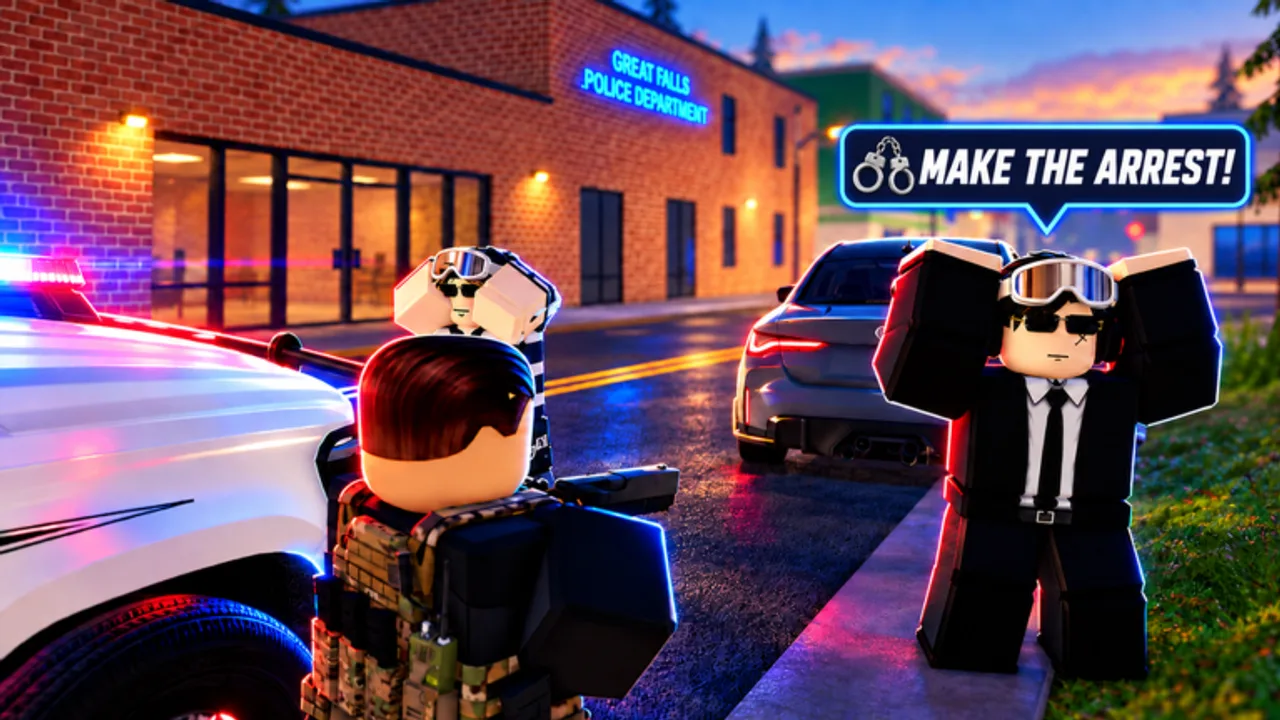
Code 3: Police Callouts advertises strong play on phone and tablet alongside PC and console. Touch is viable — Black Sector Games built the experience to work in your hand — but fat-finger menus, overheating, and portrait MDT layouts punish rushed officers. This page is the mobile-first companion to Controls. Keep Getting Started nearby for day-one flow and MDT and Warrants for identify-before-cuff discipline.
Why mobile needs its own habits
On a 15-player server you still talk, run ID, check warrants, drive with lights and sirens, and clear hand-built callouts. The difference is input surface:
- Virtual joysticks steal thumb real estate from MDT buttons.
- Accidental siren toggles blow undercover approaches.
- Portrait mode shrinks warrant text.
- Heat throttling during long Code 3 runs softens frame timing on pursuits.
None of that means “play on PC only.” It means practice a mobile checklist before you accept a bomb threat as Contact.
Setup before you go available
- Charge or plug in. Sirens, weather, and city lighting chew battery.
- Prefer landscape for driving and pursuits; portrait is acceptable for locker / Academy menus only.
- Lower non-essential graphics if the device thermal-throttles after ten minutes of lights-on driving.
- Disable aggressive notification banners that steal taps mid-cuff.
- Join a mid-pop server — empty lobbies teach less; full lobbies amplify traffic chaos on small screens.
- Redeem GUNZCUSTOMS and GARAGE from Codes while menus are calm, not during a robbery.
Favorite the experience and keep the Black Sector Games group handy for code shouts between shifts.
Touch driving: marked cars first
Learn absolute braking and corner entry in a marked patrol car before Muscle or HyperCars packs. High-speed packs amplify every late thumb correction.
Thumb plan
- Dominant thumb: steering joystick.
- Off thumb: ready on lights / sirens / interact — not camera spam.
- Glance brakes early; touch lag feels worse at HyperCar speeds.
Lights and sirens
- Find both toggles in a quiet lot before your first pin.
- Separate “rolling Code 3” from “on scene.” Kill the siren when you park if you need to hear voice chat or RP cues.
- Unmarked cars (Unmarked Vehicles pass) hide roof bars — learn the subtle light cue so you do not “blow” FBI-style approaches. Vehicle opinions: Vehicles.
If you own Mobile Garage (R$149), practice one respawn and immediately re-check light/siren taps — teleport-style spawns reset player focus more than PC players expect. Pass context: Game Passes.
Traffic stops on touch
Stops are the best mobile classroom because pressure is lower than robberies.
- Signal with lights; add siren only if they ignore you.
- Park with an offset safety corridor — tiny screens hide oncoming traffic until it is late.
- Exit, approach, and tap talk deliberately.
- Open MDT, run ID, read warrants without rushing.
- Warn, cite, or arrest per the return — full decision craft on Traffic Stops and MDT and Warrants.
- Clear the roadway so other officers are not gridlocked.
Fat-finger rule: if you meant “talk” and got “cuff,” undo and slow down. Mobile errors are usually haste, not missing features.
MDT on a small screen
- Rotate to landscape before opening the terminal when possible.
- Steady the device; do not steer and MDT with the same thumb.
- Wait for the full return before closing.
- Speak the result in chat (“warrant on driver”) so PC squadmates trust your call.
- Never ID the wrong nearby NPC because the hitbox was larger under your finger.
SWAT and FBI players still need this discipline; unit fantasy does not shrink the MDT. Unit overview: Units Overview.
Callout response on phone
| Threat | Mobile tip |
|---|---|
| Street party | Separate one subject before MDT; crowds cause mis-taps |
| Traffic hazard | Prioritize roadway safety; cite after control |
| Armed robbery | Take Cover role first if your aim is shaky on touch |
| Bomb threat | Do not open MDT in the hot zone; free hands for objectives |
| Undercover sting | Confirm unmarked light state before the spring |
Accept the pin, manage siren state, announce on-scene, then choose talk versus force. If you own Generate Callouts (R$129), replay a known low-threat scene twice on mobile as a control test after patches (Updates).
Deep priority mindset: Callouts. Custody after a warrant: How to Arrest.
Combat and armory on touch
Touch aim works for many players, but radio and roles matter more than spray.
- Keep a reliable sidearm for day-one stops.
- Save MK48 / Explosive Rounds novelty for situations that justify them — see Weapons.
- Holster mentally before menus; aiming while opening MDT causes accidental fire reports and wasted ammo.
- On squads, let a PC aim player take long angles while you handle Contact talk/MDT if that split plays to strengths.
Tablet-specific notes
Tablets are the sweet spot for many officers: larger MDT text, still couch-friendly.
- Use a light grip or case that keeps palms off the bottom gesture bar.
- Sit the tablet on a stable surface during booking computer prompts.
- Stylus users: great for UI, poor for driving — switch back to thumbs for pursuits.
Battery, data, and heat checklist
- Charge before Generate Callouts practice marathons.
- Prefer Wi-Fi for long weather cycles; spotty data drops mid-booking feel like “lost XP.”
- If frames tank, reduce graphics, kill background apps, and swap to a marked cruiser instead of the heaviest pack car.
- Take a two-minute cool-down between Code 3 cross-map runs on older phones.
After a Roblox or game update
Mobile UI focus order sometimes shifts when the Roblox Updated date moves (tracked pulses include 31 Oct, 7 Nov, and 8 Nov 2026). Re-test in this order:
- Lights / sirens in a quiet lot.
- One voluntary traffic stop with full MDT.
- One garage spawn (Mobile Garage if owned).
- Active codes on Codes.
- One low-threat callout clear.
Details and shopping caution: November 2026 and the Updates Hub.
What not to install
Ignore “mobile unlock tools,” auto-MDT executors, and free early-access APKs. Anything in that genre belongs under account-risk reading on Scripts and Script Safety Tips — not under Tools. Legitimate progression is callouts, codes, and passes.
15-minute mobile practice plan
- 0–3 min — landscape marked car; toggle lights/sirens ten times.
- 3–8 min — two talk + MDT + cite/release stops.
- 8–12 min — one warrant path through cuff/book if it appears; otherwise a party ID drill.
- 12–15 min — short Code 3 drive across the map; note heat and brake timing.
Then decide whether Mobile Garage is worth Robux for your device, or whether free garage progress from codes plus clean clears is enough this week (Rank Progression).
Related tools and guides
- Controls — PC and console siblings of this page.
- Tools Hub — checklist index.
- MDT and Warrants — identify-before-cuff deep dive.
- First Shift — full patrol loop.
- Players Hub — lobby etiquette on busy nights.
Mobile officers who slow their taps clear more callouts than mobile officers who buy HyperCars first. Own the thumbs; the garage can wait.
Frequently Asked Questions
Quick answers for patrol, codes, units, and progression.
Can I play Code 3: Police Callouts well on a phone?
Yes. The game is built for phone and tablet. Use landscape for driving and MDT, practice lights/sirens in a quiet lot, and slow down on talk/cuff prompts.
Portrait or landscape for MDT?
Landscape whenever you can. Warrant and ID text are easier to read, and you are less likely to mis-tap close buttons.
Is Mobile Garage required on mobile?
No. It is a convenience pass (about R$149) that speeds vehicle swaps. Learn marked-car habits first; buy it if respawn friction bothers you.
Why do I keep cuffing by accident on touch?
Usually haste or overlapping UI hitboxes. Pause after talk, aim your tap, and complete MDT before custody tools.
What should I re-test after an update on mobile?
Lights/sirens, one traffic stop with MDT, garage spawn, active codes, and one low-threat callout. UI focus can shift when Roblox Updated moves.